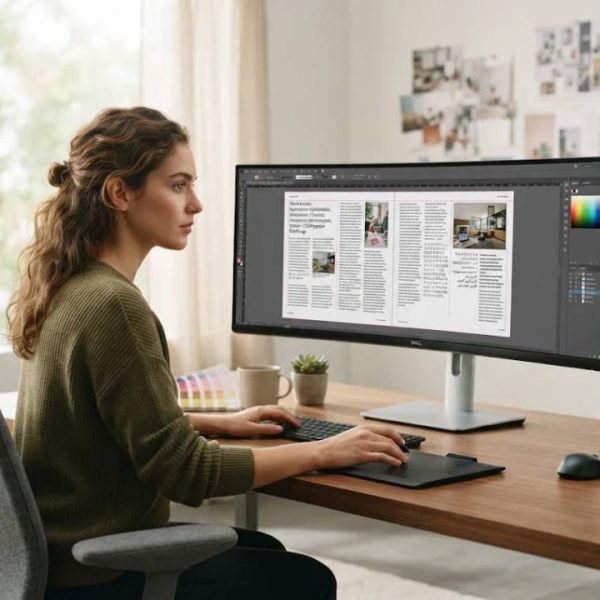
A perfect translation can still fail on the page. Text that grows beyond its box, broken characters, mirrored layouts that were never mirrored and images with untranslated captions all signal carelessness. Multilingual desktop publishing, often called DTP, is the step that makes translated documents look as professional as the originals.
What Multilingual DTP Involves
DTP specialists take translated text and place it back into brochures, manuals, reports, packaging and presentations. They adjust fonts, spacing, images and layout for each language.
Translation and design are one workflow, and the best results come when both teams talk early.
Text Expansion and Contraction
German and Spanish text can be thirty percent longer than English, while Chinese and Japanese are often shorter. Boxes, buttons and columns must flex.
Design source files with spare room from the start.
Fonts and Character Support
Not every font includes accents, Cyrillic, Greek, Arabic or Asian characters. A missing glyph appears as an empty box.
Choose families with broad language support and license them for all uses.
Right-to-Left Layouts
Arabic, Hebrew, Persian and Urdu read from right to left. Page order, bullets, tables and icons often need mirroring, while numbers and Latin words follow their own rules.
Specialists in urdu typesetting and translation understand these details and work with native proofreaders.
Asian Typography
Chinese, Japanese and Korean require different line-breaking rules, punctuation and vertical text options. Tools must be set up correctly.
Native checkers confirm that the result looks right.
Working With Professional Tools
Industry standard software such as Adobe InDesign supports many languages when configured correctly. Use styles, templates and linked text frames.
Avoid manual fixes that break when text changes.
Prepare Source Files for Translation
Provide editable layouts, not only PDFs. Use styles instead of manual formatting, and keep text live rather than outlined.
Clean files reduce cost and errors.
Images and Graphics With Text
Text inside images is often forgotten. Keep layers separate, supply editable files and plan translation of charts and labels.
Replace culture-specific images when needed.
Numbers, Dates and Units
Formats vary by country. Check decimals, thousands separators, currencies, date order and measurement units.
Do not rely on automatic conversion without review.
Proofreading in Layout
Linguistic review should happen on the final pages, not only in a text file. Reviewers check hyphenation, line breaks, headings and captions.
Native speakers catch problems that designers cannot see.
Tables, Charts and Forms
Tables may need wider columns, and charts need translated labels. Forms must allow enough space for longer words and addresses.
Test with real data.
Packaging and Labels
Packaging has tight space and strict legal requirements. Plan for multilingual panels and regulatory texts early.
Proofing physical samples avoids expensive reprints.
Software and User Interfaces
Interface screens need short strings, flexible buttons and context for translators. DTP techniques also apply to help files and screenshots.
Keep versions synchronized.
Version Control
Multiple languages mean many files. Name them consistently, track changes and keep a master version.
A good system saves time when content updates.
Automating the Workflow
Translation tools can connect to layout software, exporting and importing text without copying. Our overview of a translation management system explains how this reduces errors and time.
Automation helps when many languages must update together.
Accessibility
Tagged PDFs, alt text and readable fonts help screen readers and make documents inclusive. Multilingual files need correct language tags.
Check contrast and reading order.
Print and Digital Output
Prepare separate files for print and screen, with correct colors, bleed and compression. Test PDFs on several devices.
Check embedded fonts before sending.
Common Mistakes
Typical problems are late translation changes, missing fonts, non-editable files and no review in layout. Each causes delays.
A shared checklist prevents most of them.
Choosing a Provider
Look for teams that combine translation, DTP and quality assurance. Ask for samples in your languages and scripts.
A single partner reduces handoffs and confusion.
Final Advice
Plan multilingual publishing from the beginning. Design flexible layouts, supply clean files and review the final pages with native readers.
Your documents will look as good as they read.
Budget and Timeline
Include layout and proofing in your project plan and budget. Complex languages and many pages require more time.
Rushing the final step undermines earlier work.
Training Internal Teams
Designers and marketers benefit from short guides on writing and designing for translation. Simple rules save hours later.
Share examples of good and bad layouts.
Reusing Templates
Create master templates with flexible frames and styles. Reuse them for new documents to maintain consistency and speed.
Update templates as brand rules change.
Quality Reports
Ask providers for brief reports listing issues fixed and open questions. This helps you improve future source files.
Continuous feedback raises quality.
Testing on Real Devices
Open final files on phones, tablets and printers in each target market. Small differences in rendering can change line breaks and spacing.
Fix issues before distribution.